Manufacturing execution system
Your whole factory on one system.
Prodex connects machines, work orders, quality, maintenance, warehouse and planning. Everyone works on the same live data, on the screen that suits the job.

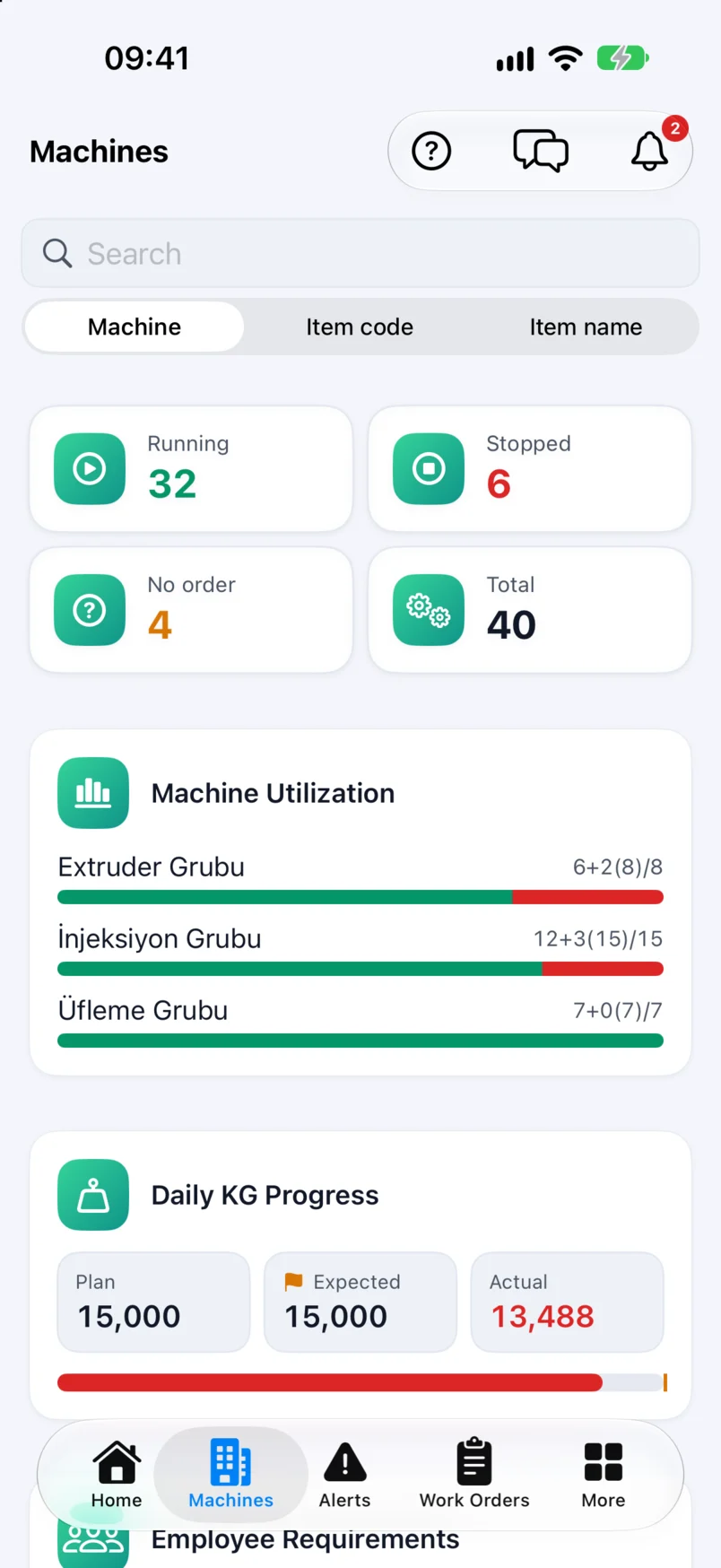
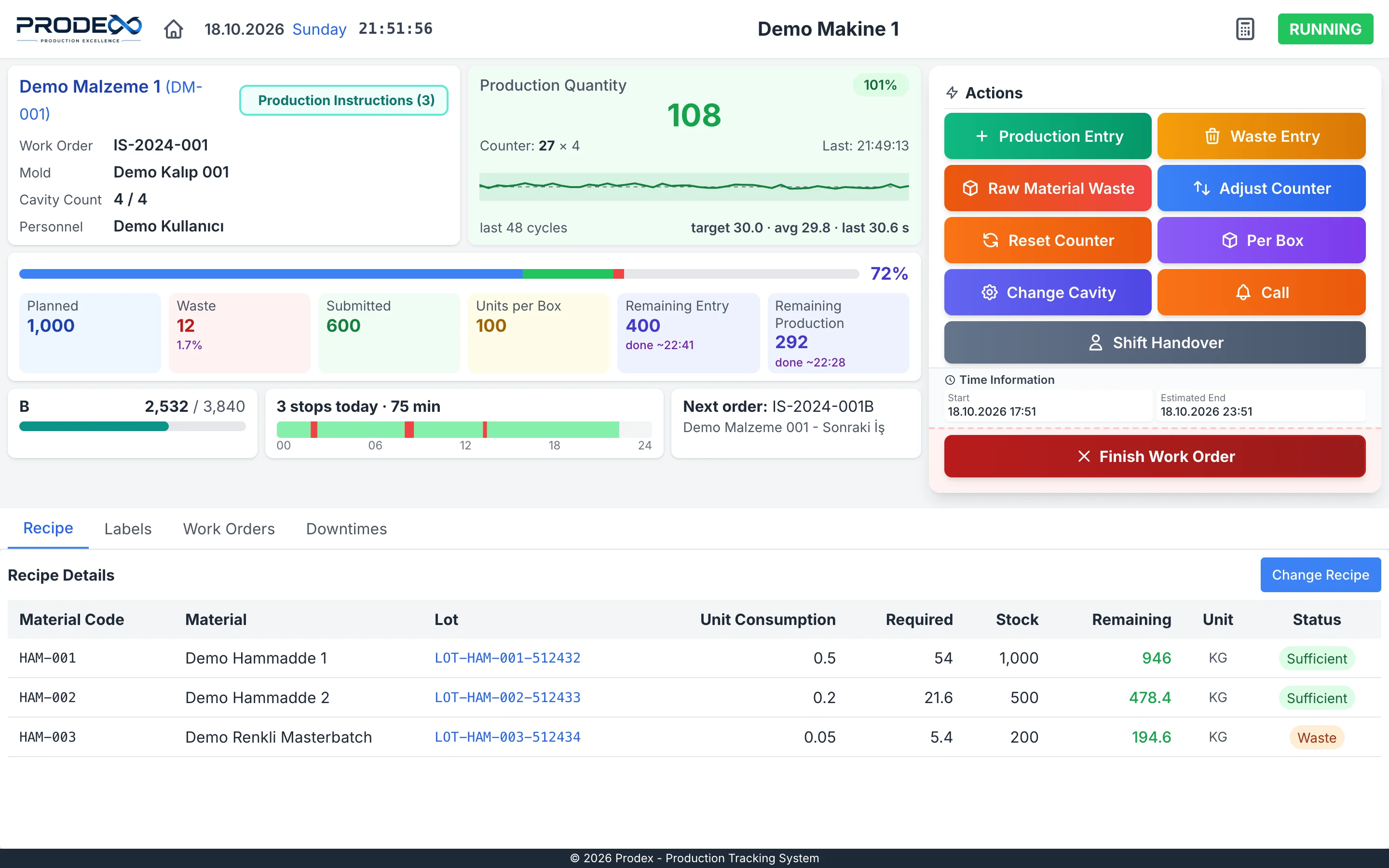
Counter data arrives in real time. Machine stops are recorded automatically after the configured delay.
Use Prodex's own master data and stock records, or connect it to the ERP you already use.
Windows or Linux, SQL Server or PostgreSQL. Your data stays inside your network.
View screens, reports, labels and notifications in each user's chosen language.

Modules
Everything the plant runs on
Every module works on the same data. A stop, a lot or a quality result is entered once and appears wherever it matters.
Production & MES
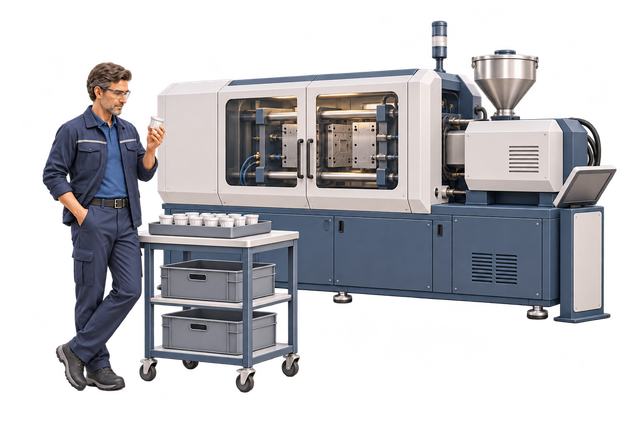
Machine monitoring, kiosk, work orders, OEE and automatic downtime.
Planning
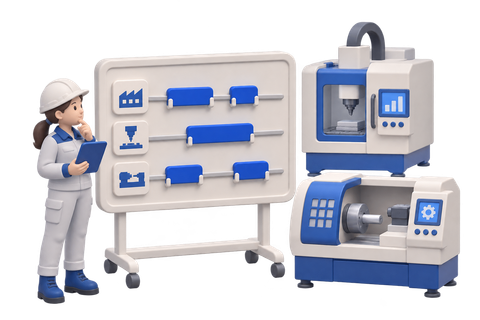
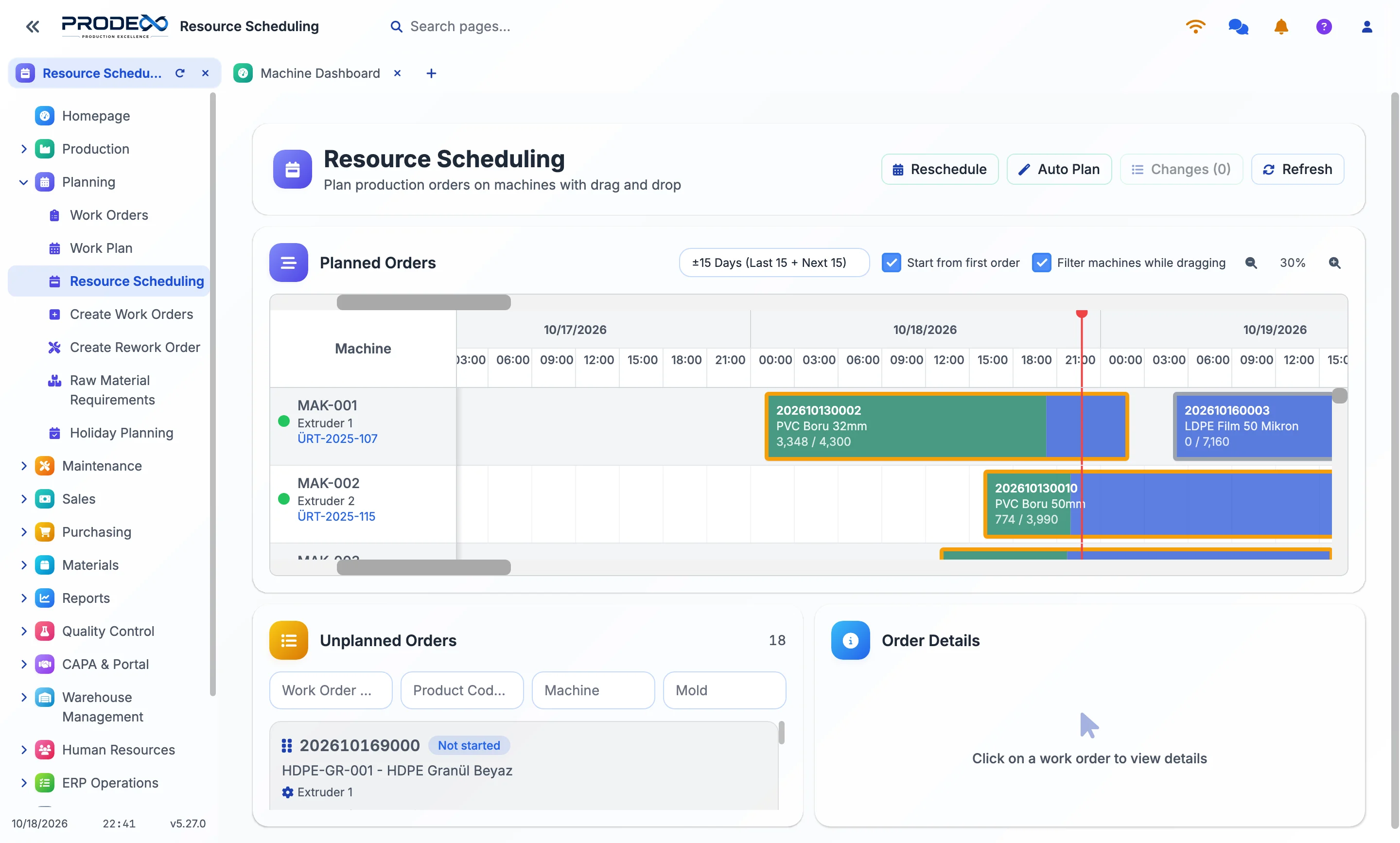
Live schedules, original commitments and what-if scenarios.
Quality
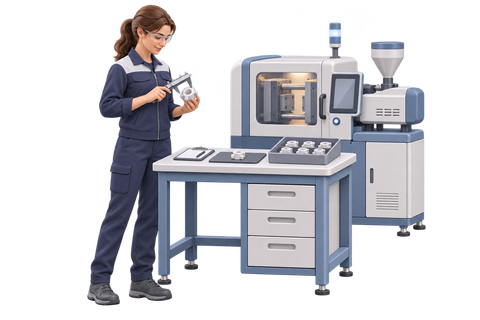
First-article approvals, inspections, calibration, lot holds and CAPA.
Maintenance
Maintenance by usage, crew work orders, permits, spare parts and external repairs.
Warehouse
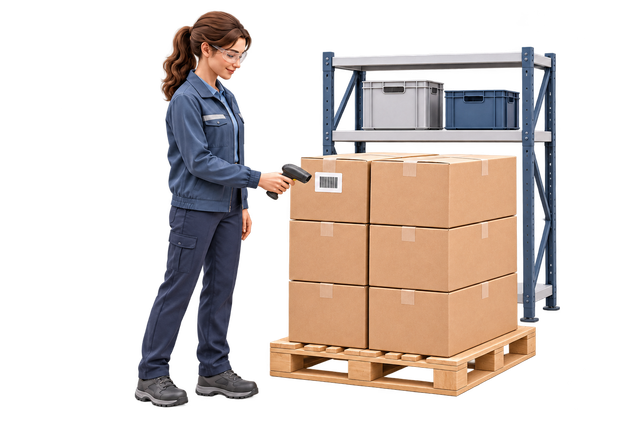
Lot stock, barcode transfers, pallet loading, counting and quarantine.
Traceability
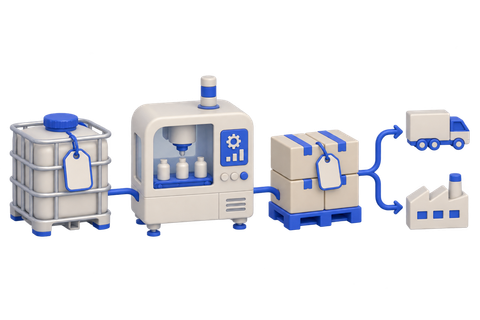
From any lot, order or invoice to the full history of materials, machines and customers.
Reports & analysis
OEE, TEEP, loss analysis, sales, purchasing and costs, with AI summaries for the selected period.

Workflows
Scheduled checks, configurable approvals, tasks and projects.
Human resources
Employee records, leave, training, performance, expenses and working time from badge data.
All modules
Start with what you need today and switch on more modules later.
A closer look
Built around how production really works
All platforms, one system
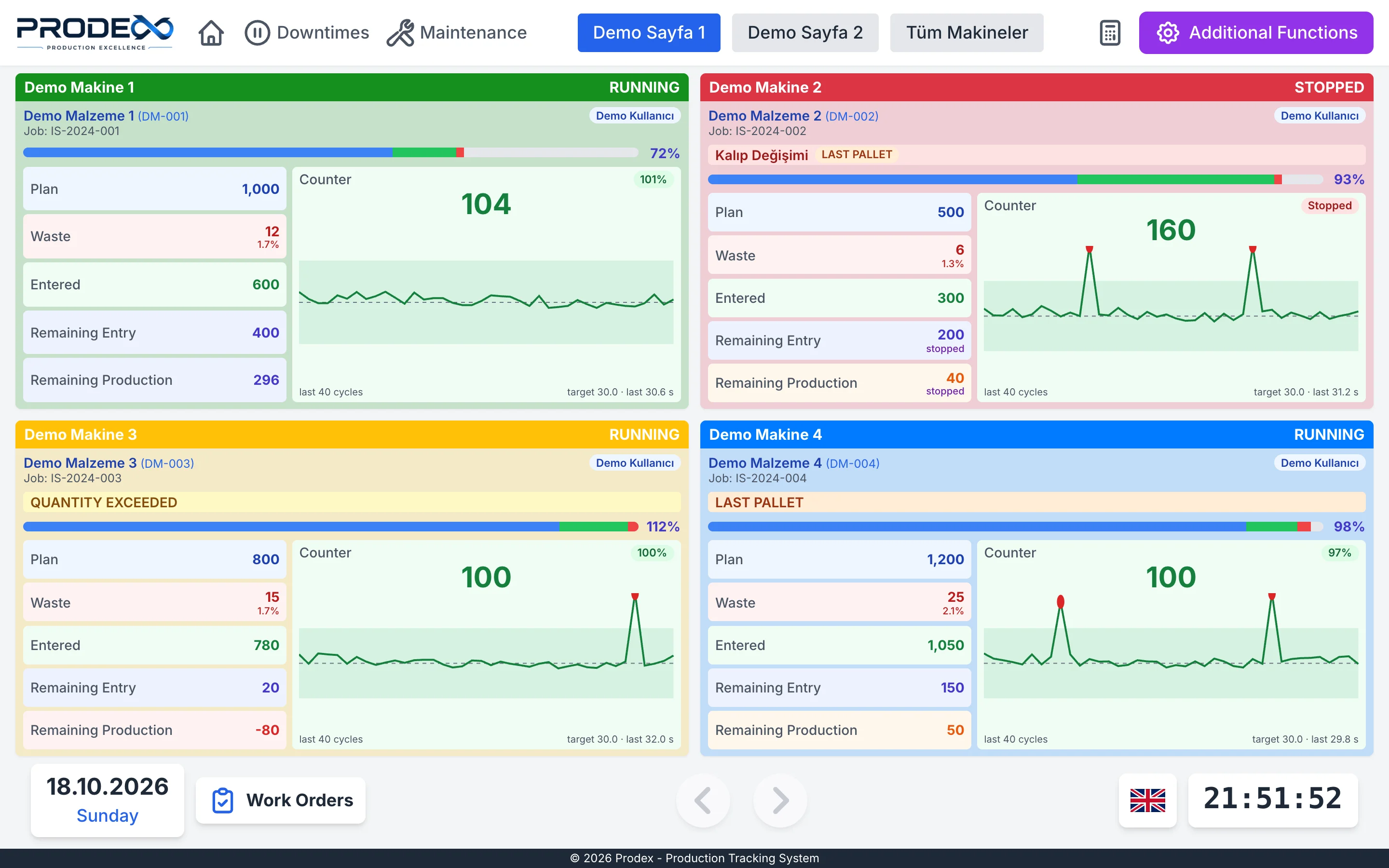
Use Prodex on screens at each machine, shared kiosks, handheld terminals or your mobile phone. With apps for every platform, manage your operations from wherever you are.
- Live counter, cycle times and speed against the reference
- Today's stops and the shift's output on the same screen
- Labels printed from your own templates
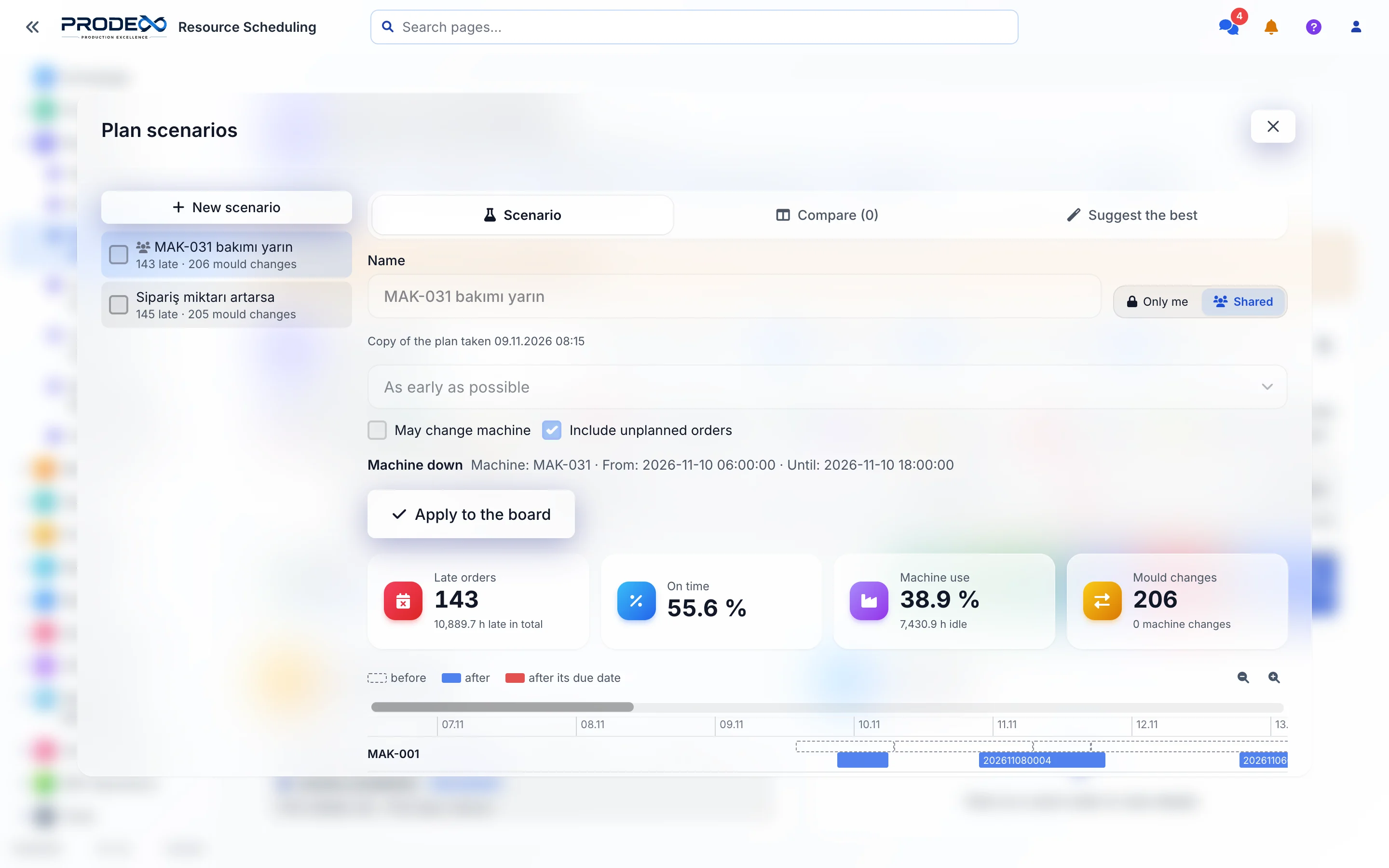
Replan after a breakdown while keeping the original dates in view
Compare a breakdown scenario with the live plan. See the orders that would slip, check which machines can run each mould and route a proposed change for approval.
- Original commitment alongside projected completion
- What-if planning for machine and order changes
- Plan changes with reasons and approval options
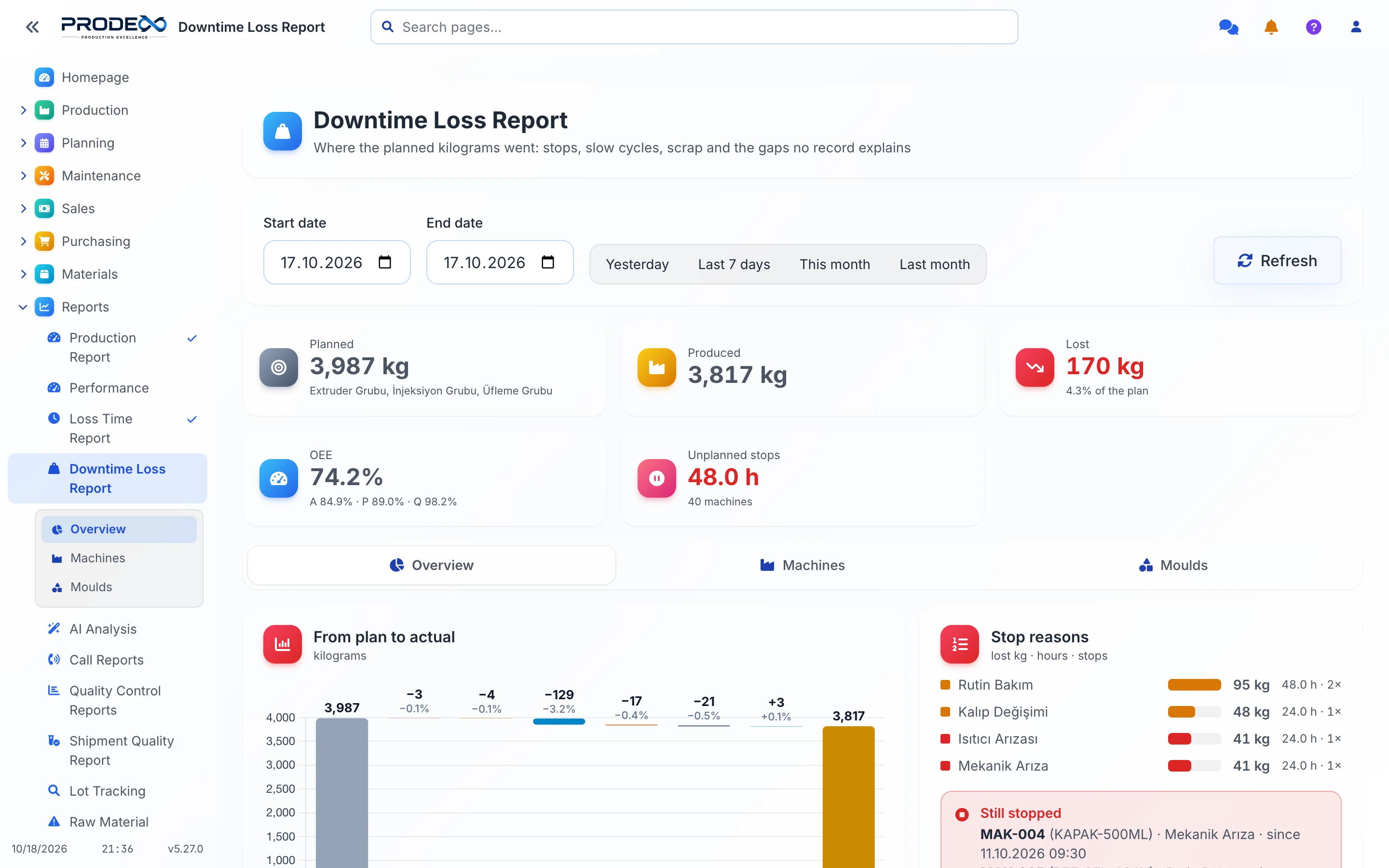
Know where the capacity went
See how stops, slow cycles, scrap and unrecorded gaps affect output, broken down by machine, mould and reason.
- OEE and TEEP from machine data, not from forms
- Unusual stops found automatically
- Yesterday's losses available on the Andon screens
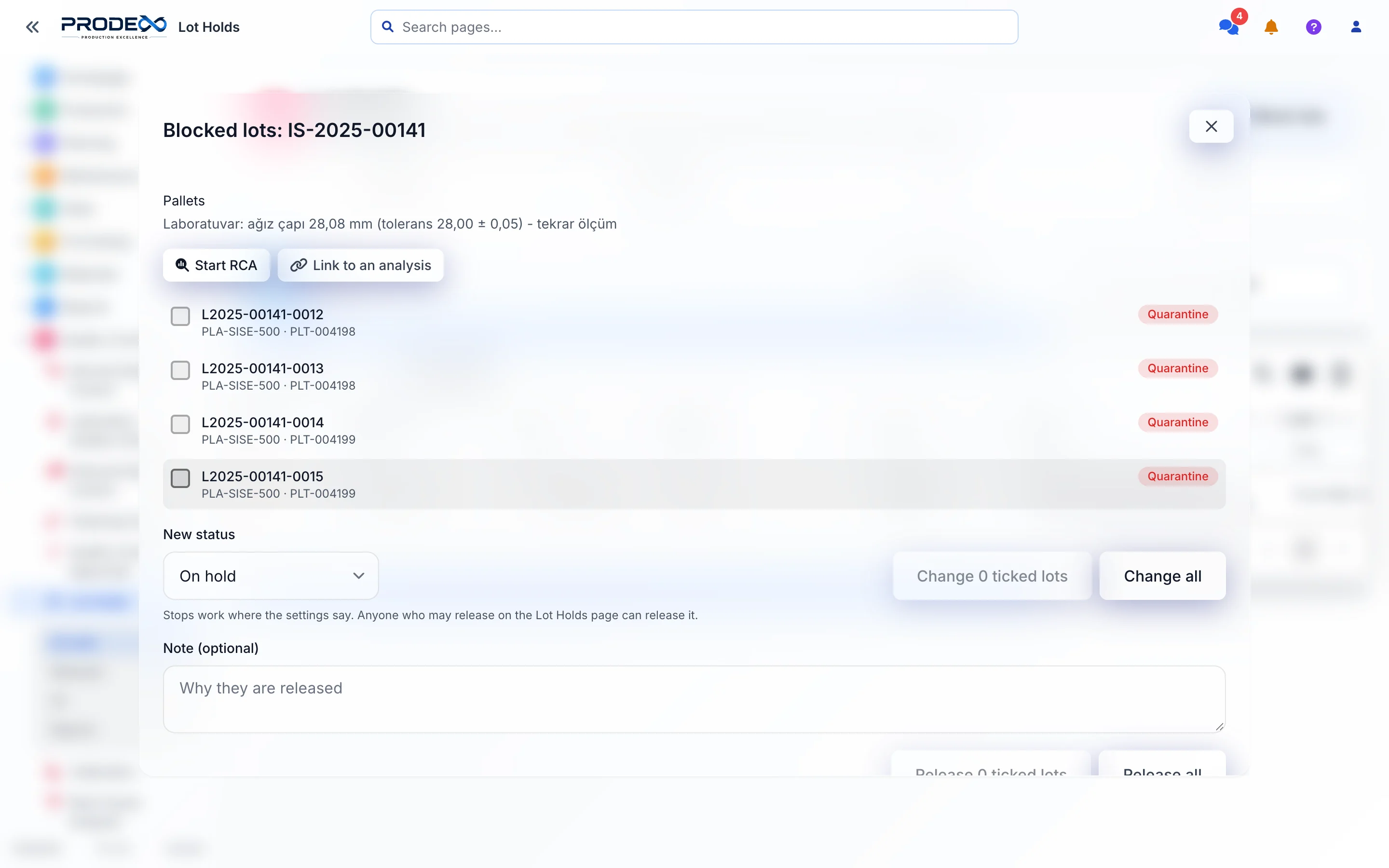
Hold affected stock after a failed check
When a check fails, a configured flow can flag the lots produced since the last passing check. Quality can review the affected lots and decide which can be released.
- First-article and restart approvals
- Lot holds, quarantine and restricted release
- Finishing checks with an order summary
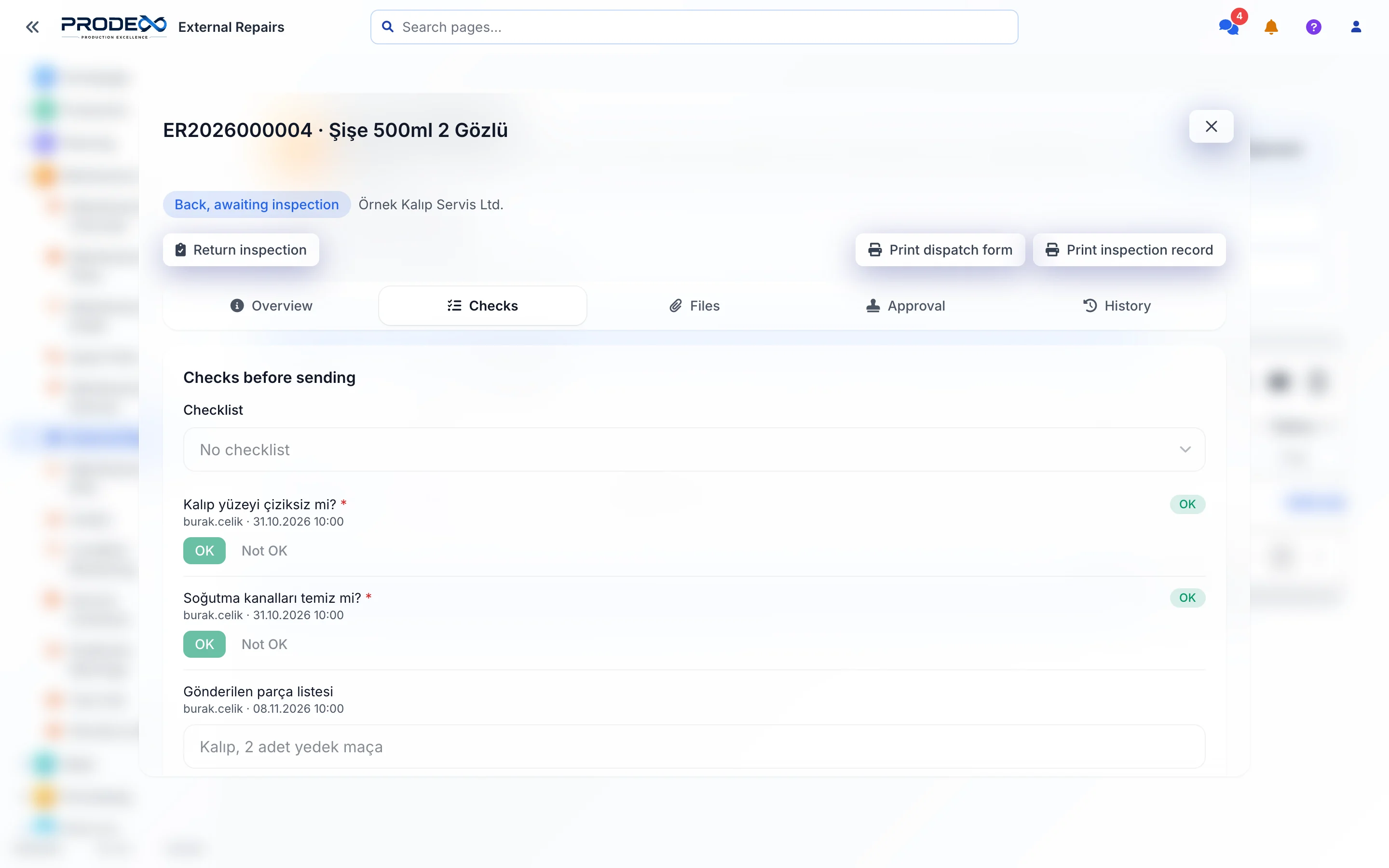
Bring a repaired machine back into production
A technician records the job and the parts used. If an asset comes back from external repair, the team inspects and accepts it. Configure who signs off before production restarts.
- Calendar, runtime, shot and piece-based maintenance
- Permits, technician qualifications and sign-off
- External repairs with return inspection
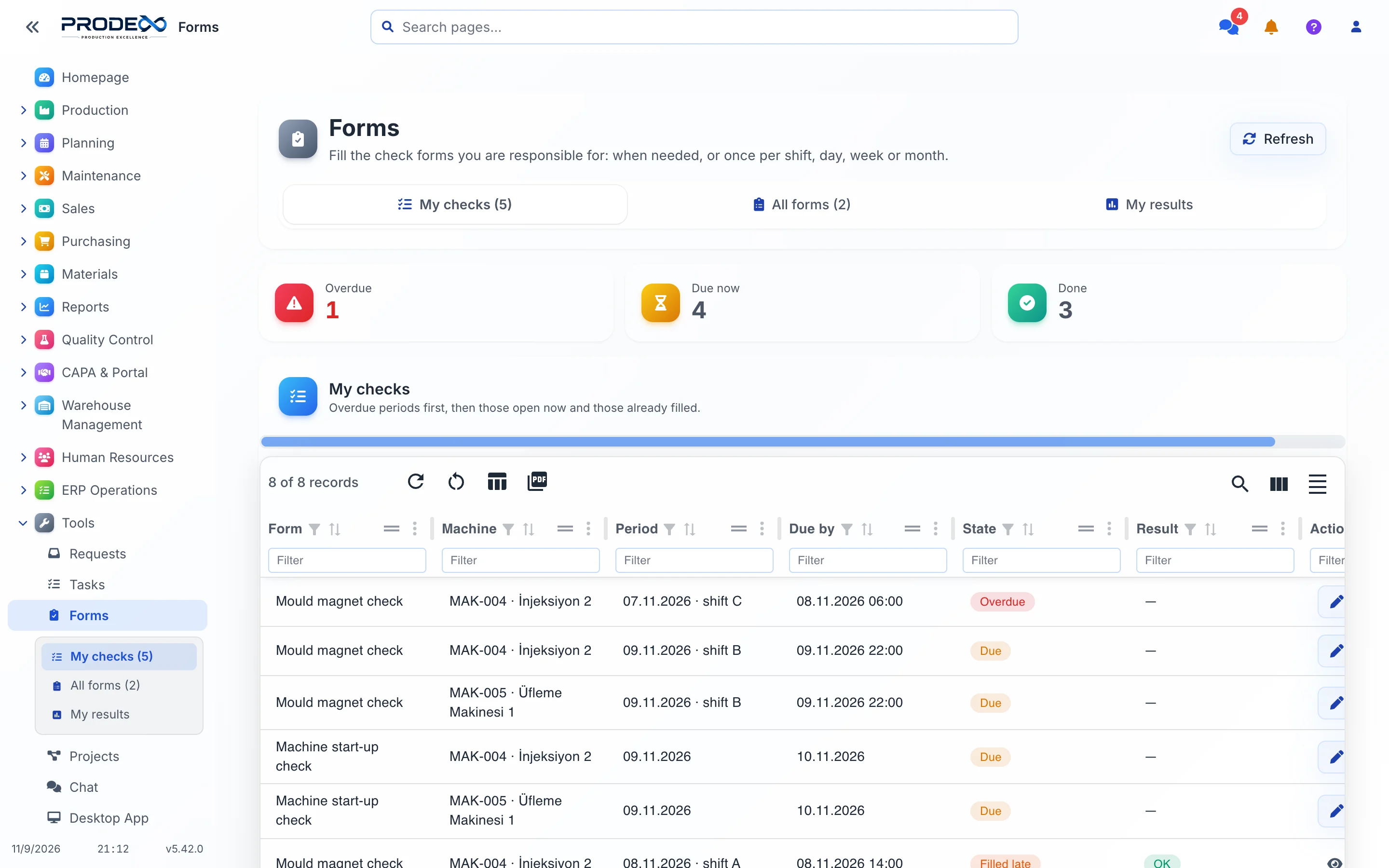
Give every shift a list of checks
Make a check due every shift, after a mould change or after a set number of cycles. If a result is out of limits, a configured workflow can notify quality, open a task or hold affected lots.
- Scan the machine to open its check
- See missed checks and repeated failures
- Retest while keeping the original result
Apps
The same data on every screen
Each person uses the screen that suits the job. Numbers, permissions and language follow them everywhere.
Every module in the browser, nothing to install.
Shop floorUse dedicated or shared terminals and handheld scanners, with badge sign-in.
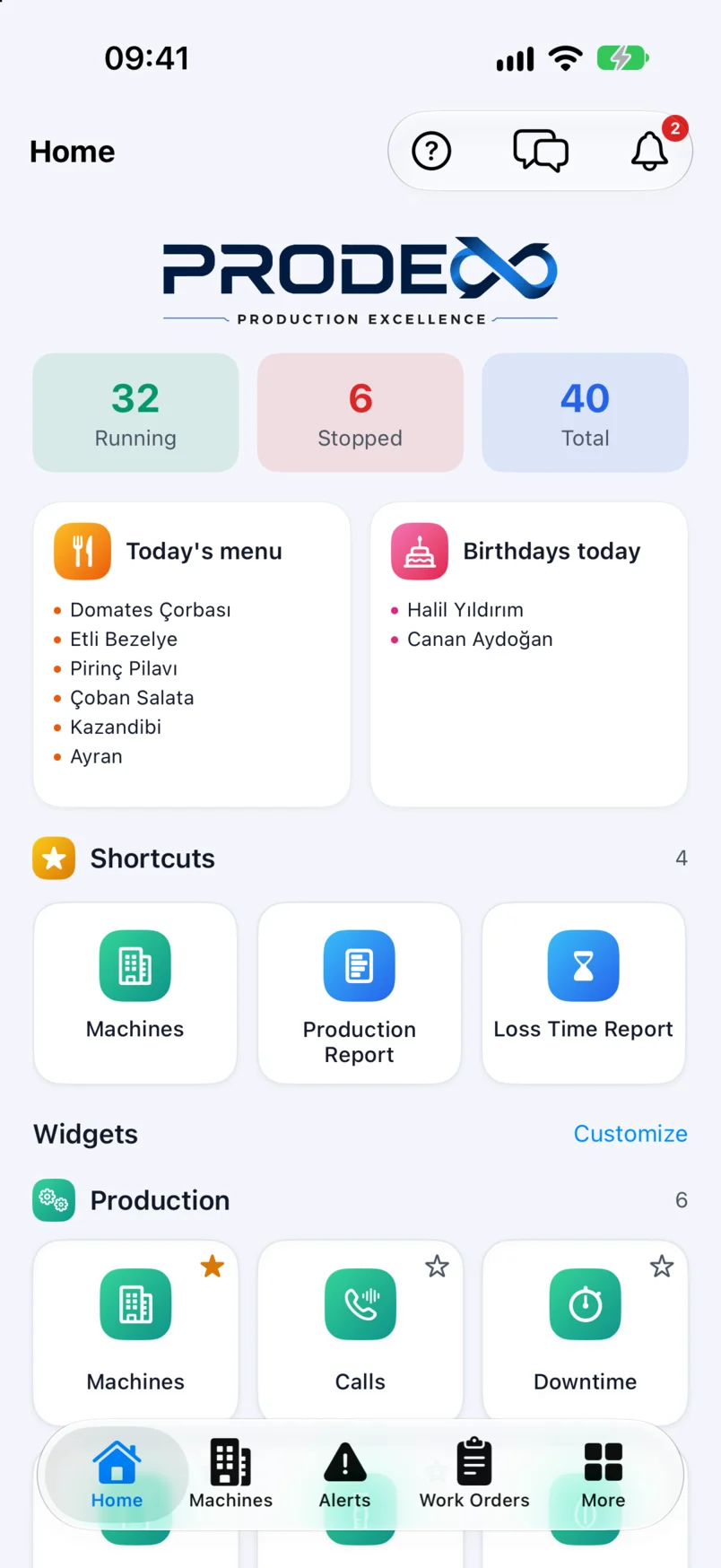
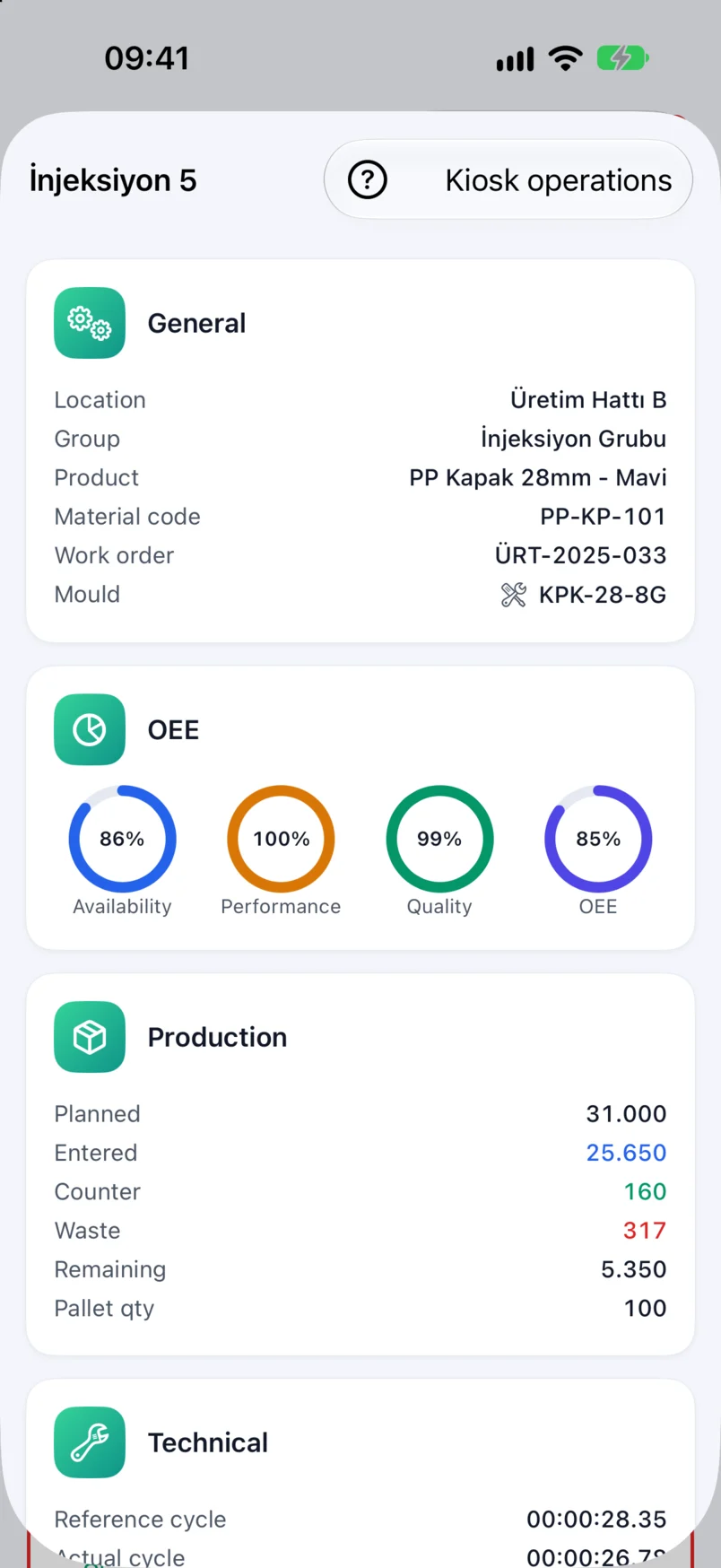
iOS and AndroidCalls, stops, stock, approvals and the plan.
DesktopA native app for Windows, macOS and Linux.
TV screensAndon and production boards, designed screens, a native Android TV app.
Calls and notifications
When a machine needs someone, the right person knows
Operators call a technician, quality or any team you define, from the kiosk, a button on the machine or a phone. The call rings on the phones of the people on duty until someone accepts it.
- Define call groups with their own reasons and members.
- Measure response times from the call to arrival at the machine and through to closure.
- Send push notifications in the mobile app, with WhatsApp, Telegram, SMS and e-mail integrations.
There is more
The details that make it a daily tool
Beyond the modules, Prodex brings the everyday tools a team needs, so people do not have to leave it to get their work done.
Team chat
Send direct and group messages with files, photos and voice recordings on the web, desktop and phones.

Calendar
Organise meetings with invitees and reminders in each person's language.
Personal home page
Arrange your own home-page tiles, with default layouts available for each group.
Guided tours
Follow step-by-step guided tours on every page and device.
Phone widgets
See live figures on your phone's home screen without opening the app.
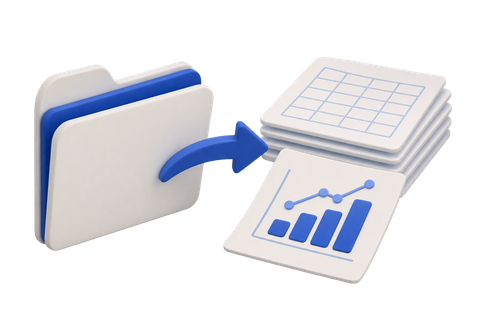
Excel with charts
Export tables to Excel and download reports such as scale results as workbooks with charts.
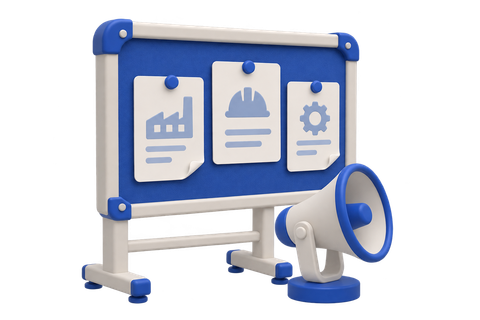
Announcements
Share company news on home pages, phones and TV screens.
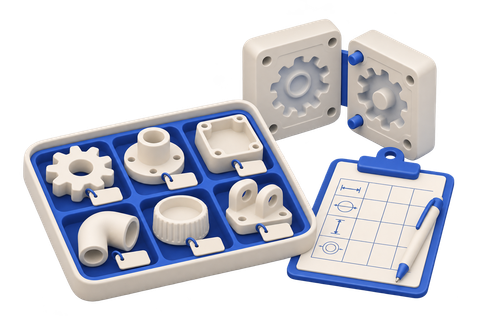
Trials and projects
Manage trial production and its approvals, and track projects against their outcome targets.
Platform
Built for end-to-end factory operations
Prodex is installed on your own server and managed by your IT team. New versions are installed from a central panel in minutes.
Your server, your data
Run Prodex on your premises, on Windows or Linux, with SQL Server or PostgreSQL.
Standalone or with an ERP
Use Prodex's own master data and stock ledger, or connect it to your ERP through two-way integration.
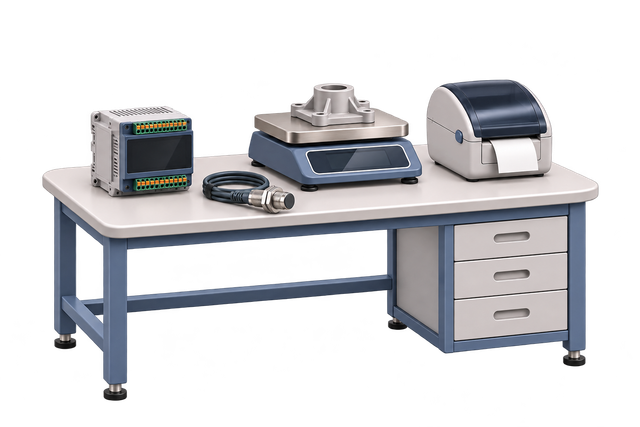
Machine connectivity
Connect counter modules and PLC signals over MQTT, alongside scales and cameras at the line.
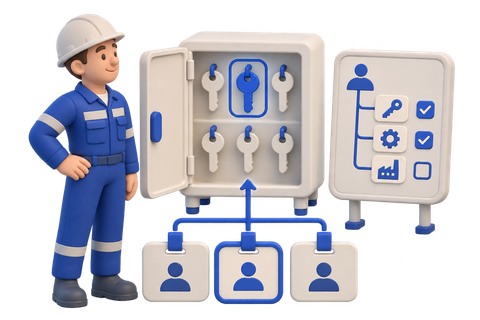
Access by role
Manage access to pages, actions and approvals in one place, with an audit trail.
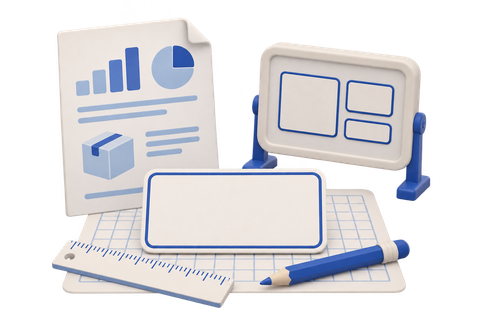
Your own documents
Design labels, printed forms and TV screens yourself, without a developer.
Regular new versions
New features arrive regularly and are installed from a central panel in minutes.